Domo speaks your language. You can change the interface language at any time, and it stays saved on your device.
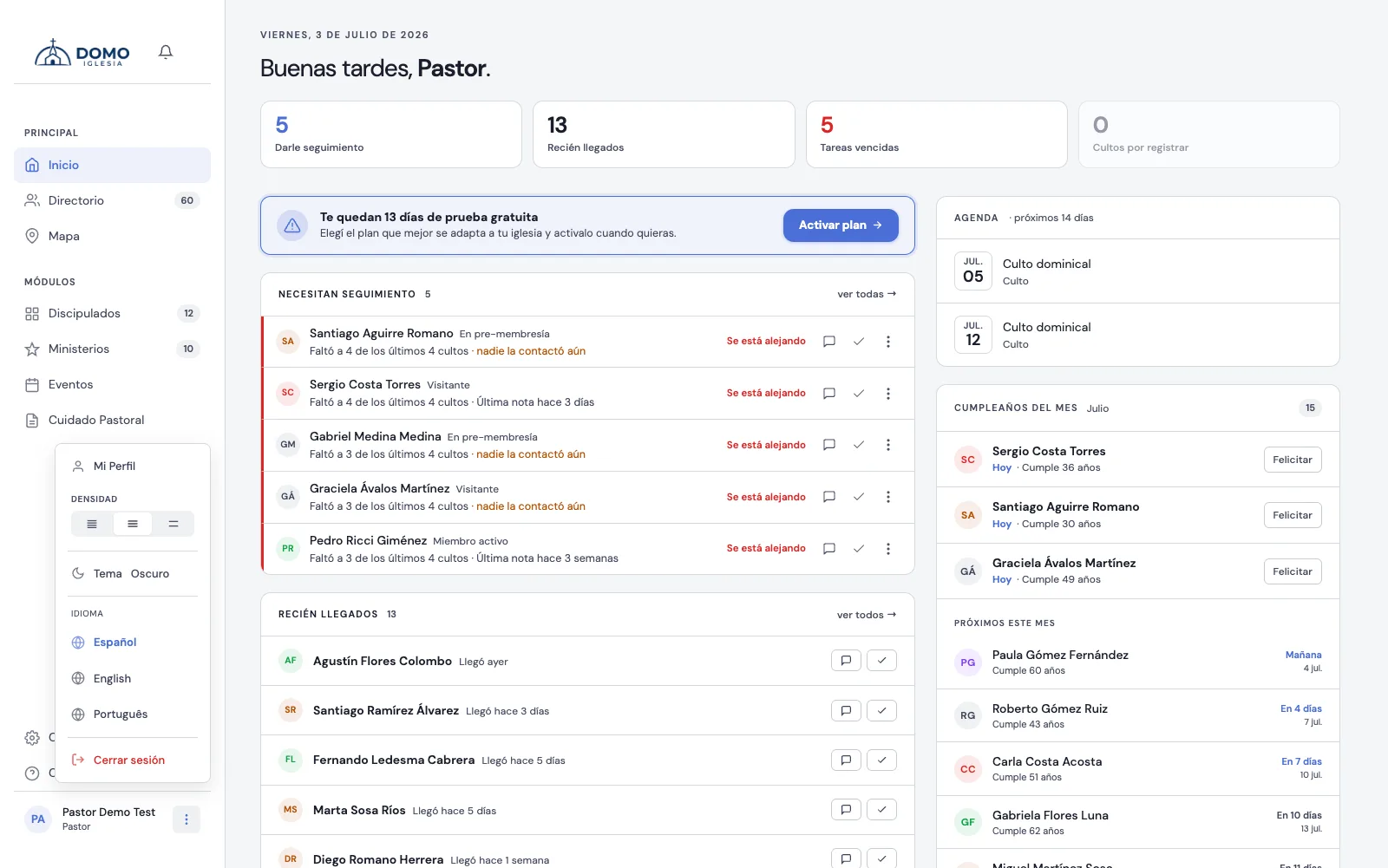
How to change it
- Click your name (bottom left) and choose My Profile.
- In the Preferences block, open Language and choose:
- Español
- English
- Português
- Click Save changes.
The page reloads in the chosen language, and that's how it stays the next time you sign in from this device.
The language your church starts in
Whoever administers the church can set a default language for everyone: in Settings, the Regional block, the Default language field.
That language is what new accounts see and what's used on the sign-in screen. It beats the browser's language — a borrowed computer or an English operating system no longer decides — but it doesn't override anyone's choice: if you picked yours in My Profile, it's respected.
If you leave it on Based on each user's browser, Domo goes back to using the browser's language.
What gets translated
It changes the language of the interface (menus, buttons, labels). The content you enter — people's names, notes, group names — is shown exactly as you wrote it; it isn't translated.
Spanish is the complete language; English and Portuguese are still being finished, so some sections may still appear in Spanish.