The Activity log is your church's logbook in Domo: it shows the important actions your team took, for transparency and order.
How to get there
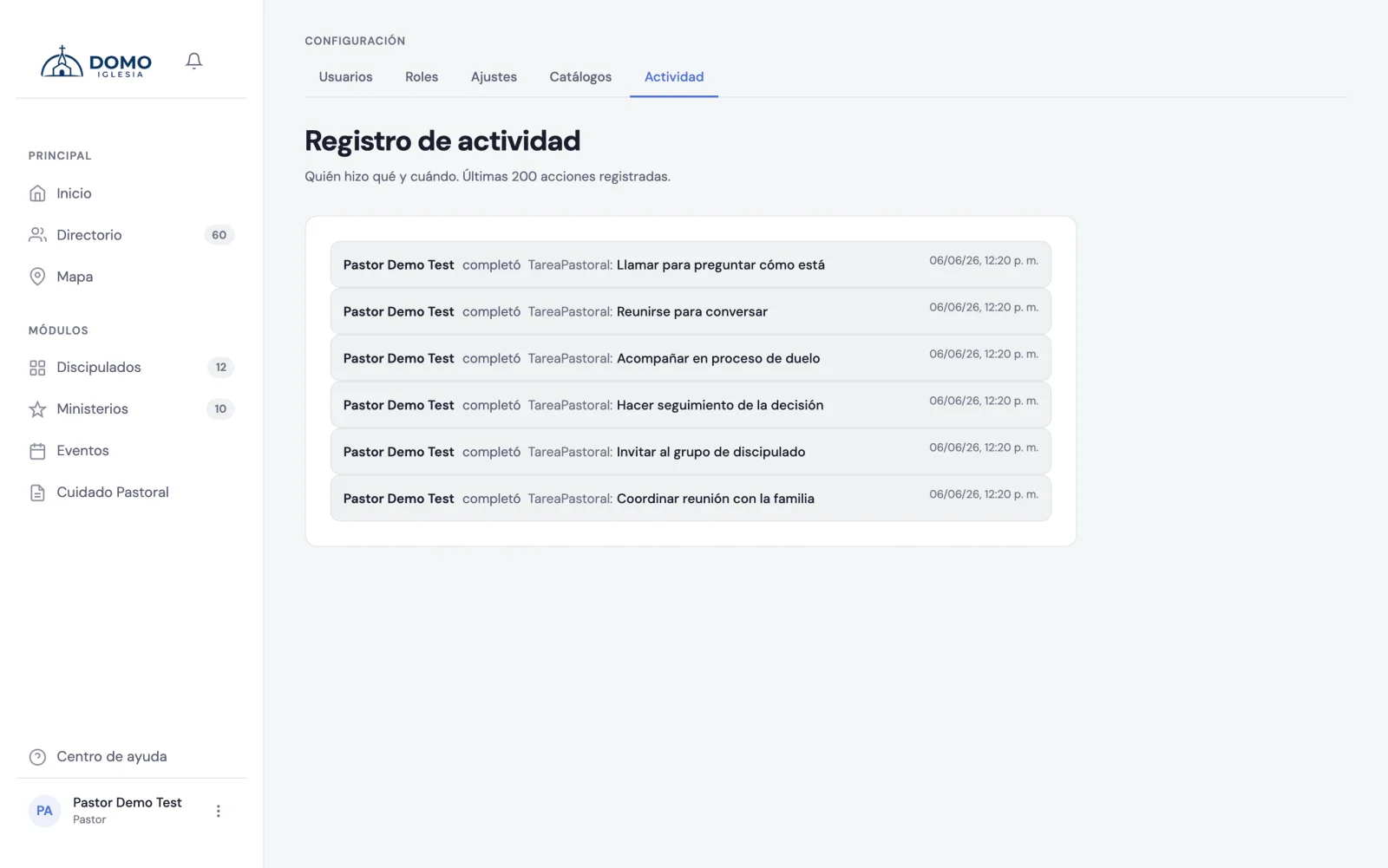
In the sidebar, go to Settings and open Activity. It shows the latest 200 actions recorded. At the top you have three filters — person, type (people, groups, tasks, roles…) and period — to find something specific; each search brings up to 200 results.
What it shows
Each entry tells you:
- Who did the action.
- What they did (created, edited or deleted).
- On what (a person, a group, a role…).
- When it happened.
- And, when it applies, what changed (from one value to another).
What it's for
- Clear up doubts — "who changed this person's stage?".
- Build trust — the team knows actions are logged.
- Protect what's sensitive — for example, there's a record of when someone downloaded a person's data.
It's a read-only screen: it can't be edited or deleted. It's there for you to check when you need it.