We know that in many places the connection comes and goes. Domo is built for that: instead of breaking, it tells you clearly what's happening and protects what you were working on.
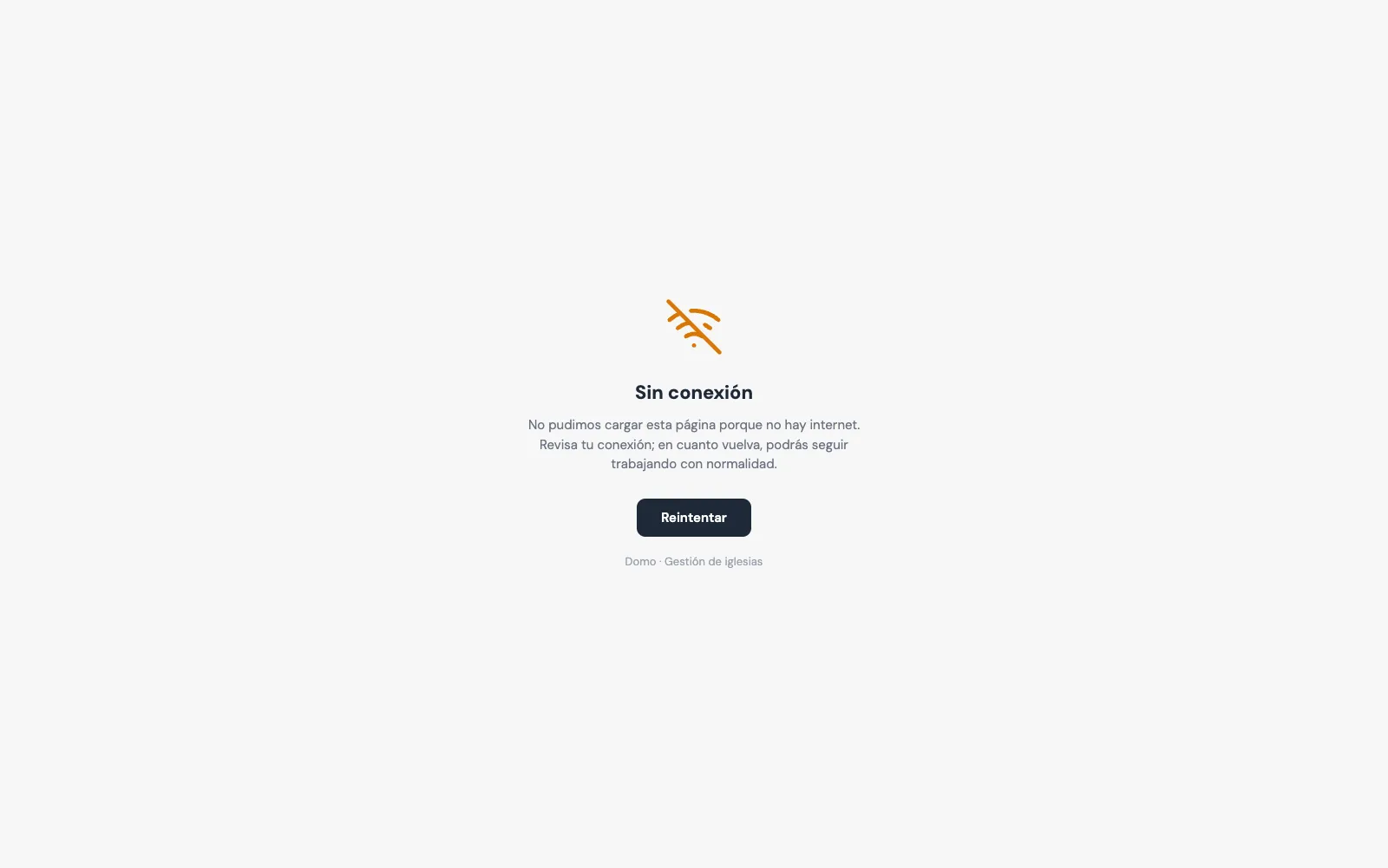
When there's no connection
If you lose internet, Domo shows you a clear "offline" page, instead of the browser's broken error. As soon as the signal comes back, you can pick up right where you were.
On top of that, Domo doesn't show you misleading old data: what you see always comes from the server — the data you see is never stored in the browser once you leave the screen.
You don't lose what you wrote
If you're entering a person and the connection drops — or you accidentally close the tab — Domo saves a draft. Next time it lets you know: "We recovered an unsaved draft", and you continue right where you left off.
When the connection is slow
Domo doesn't sit there "hanging" waiting: requests have a capped timeout, so if something doesn't respond, it fails promptly and you can retry instead of staring at a frozen screen.
A tip
Install Domo on your phone (add it to your home screen). That way it opens faster and makes the most of these safeguards. See Domo on your phone.
It's not magic: without internet you can't save changes to the server. But Domo does everything it can so a bad connection doesn't cost you work or leave you unsure of what happened.