Domo is built to be used from your phone too. You don't need to install anything: open your church's address in the browser and it works just like on a computer.
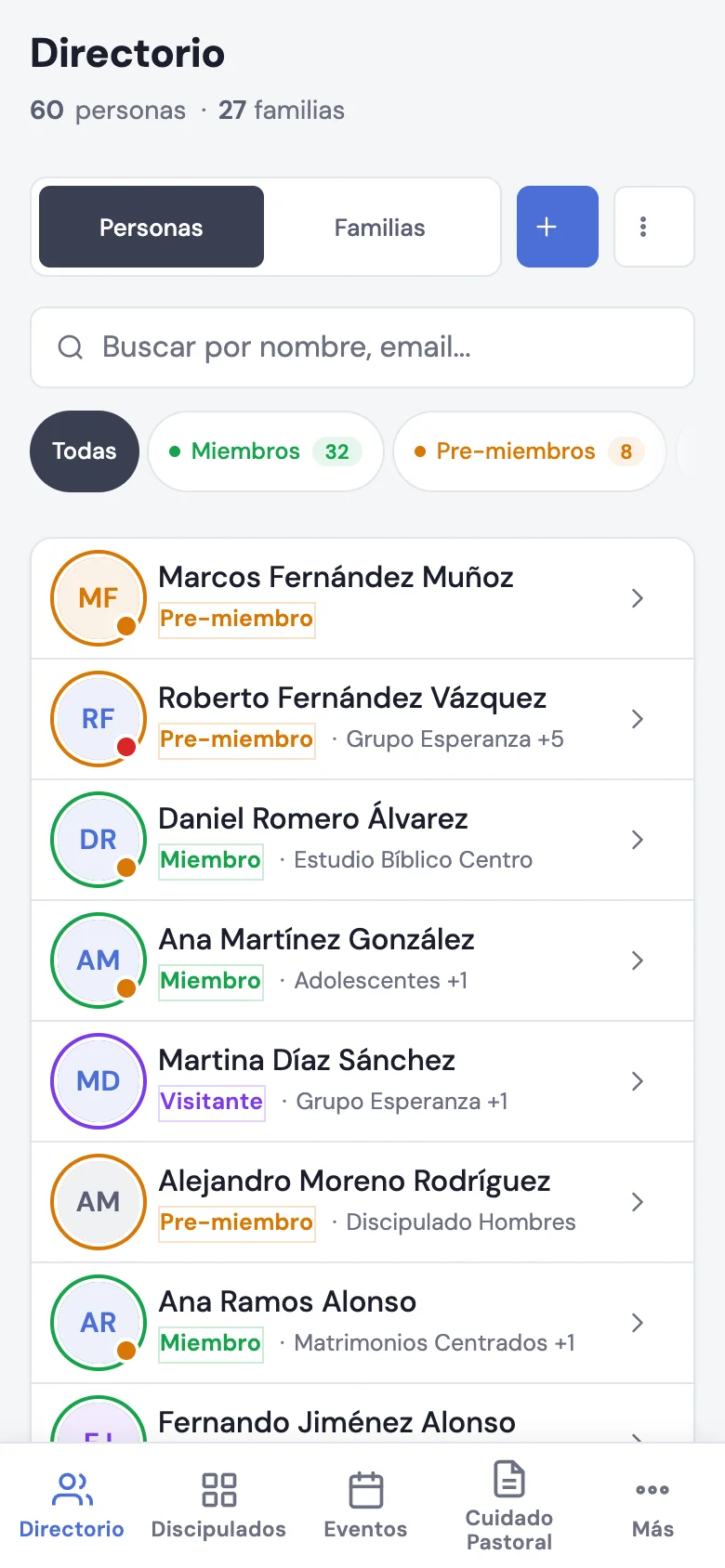
The menu on your phone
- Tap the ☰ button (top left) to open the side menu.
- The menu closes by itself when you choose a section, so it stays out of the way.
The bottom bar
On your phone you'll see a bottom bar with quick access to what you use most:
- Directory
- Discipleships
- Events
- Pastoral
- More (opens the rest of the menu, including Discipleships and Ministries)
That way you move from one section to another with your thumb, without opening the full menu. The bar adapts to your role: for example, Pastoral only shows up if you have access to that module.
Everything works the same
The search, the filters and the records work just like on a computer. You can take attendance, write a note or add a person from your phone, right when you need to.
Perfect for Sunday: take the worship service attendance from your phone while you greet people at the door.
Is the connection shaky where you meet? Domo is built for that: Domo on an unstable connection.