People aren't alone: they belong to families and relate to one another. Domo lets you reflect those ties so you understand your community for what it is: a network of households.
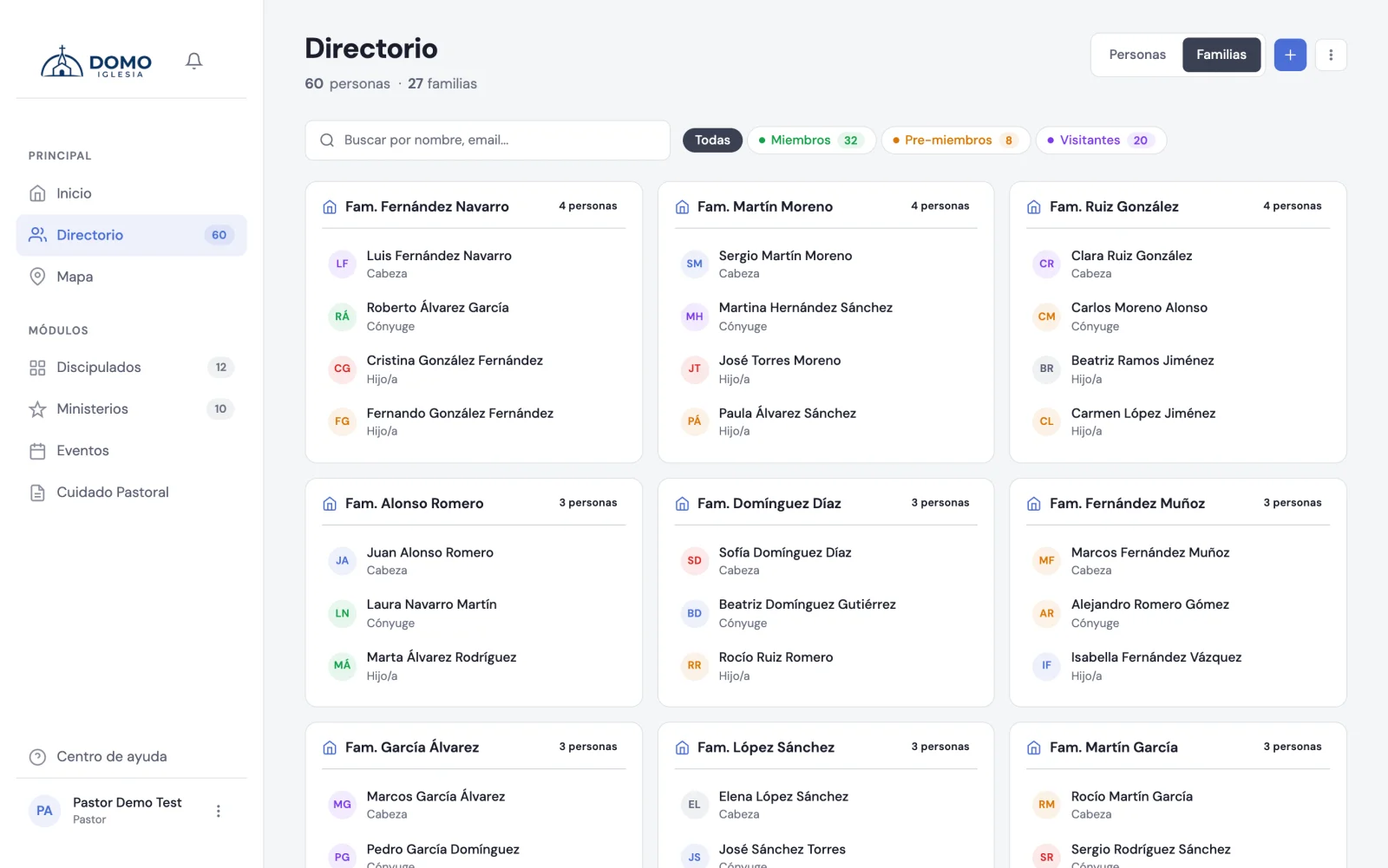
View the directory by families
In the Directory, at the top, there's a switch with two modes: People and Families.
- People shows the usual individual list.
- Families groups people by household, so you see at a glance who lives together.
Link the people in a family
The ties are entered on each person's record (when you edit it). Depending on their details, you'll see:
- Spouse — appears when the marital status is married.
- Father and mother — appear when the person is a minor.
- Invited by — the person who first brought them (always available).
For each, simply search for the other person by name and select them.
If you're a leader editing someone in your group, the form doesn't include marital status, spouse or who invited them: the team enters those ties. Saving your changes doesn't touch them, so fixing a phone number doesn't undo a marriage.
Linking families pays off: it helps you care for whole households and understand how your community grew (who invited whom).
A tip
You don't need to enter all the ties at once. Start with the most useful ones for your pastoral care —married couples and families with children— and complete the rest over time.