Not everyone in your church is at the same point: there are new visitors, people in process, and committed members. The pastoral stage helps you see it at a glance and know who to walk alongside at each step.
What is the pastoral stage?
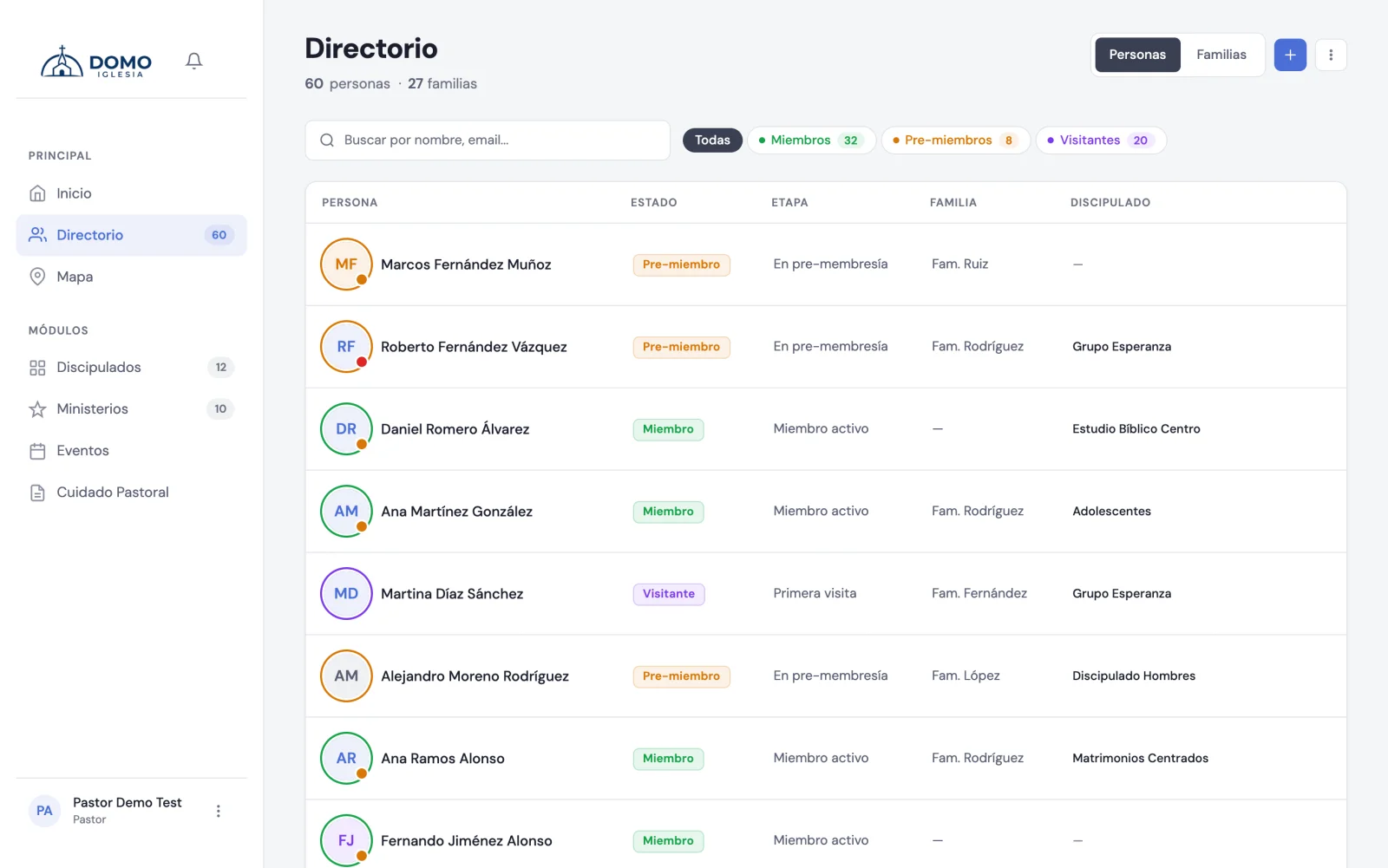
Each person has a stage that marks their moment within the church. In Domo the stages are:
- First visit — came for the first time.
- Visitor — has come several times.
- In pre-membership — in the process of becoming a member.
- Active member — a member who takes part.
- Inactive member — a member who has drifted away.
- Non-professing minor and Professing minor — for children and teens.
- Transferred, Excommunicated and Deceased — for people who are no longer an active part.
The list of stages is defined in Domo and doesn't grow: the system leans on it to know who counts for attendance and who doesn't. The names, on the other hand, you do change: in Settings → Catalogs, the Pastoral stages block, type what your church calls them. The new name shows up in the Directory filter, in the person's form and in the reports.
"Inactive member": the stage that turns attendance off
When someone stops coming but you don't want to lose their record, put them in Inactive member. That stage takes them out of the attendance calculation everywhere:
- They don't appear in the list when you take attendance for a service, a group or a ministry.
- They don't add to the expected total ("18 of 20").
- They don't accumulate absences and don't trigger follow-up.
They stay in the Directory, with all their history, and changing their stage is enough for them to count again. It's how the absence of someone who already said they're not coming doesn't muddy everyone else's numbers.
Change a person's stage
- Open the Directory and go into the person's record.
- Click to edit.
- In Pastoral stage, choose the right one.
- Click Save.
Keeping stages up to date pays off: it helps Home show you better who to follow up with.
See people by their moment
In the Directory, the filter buttons group people by stage so you find them in seconds:
- Visitors gathers those in "First visit" and "Visitor".
- Pre-members shows those "In pre-membership".
- Members are the "Active member" ones.
- Minors brings together professing and non-professing minors.
- Inactive are the "Inactive member" ones.
- Archived groups transferred, excommunicated and deceased.
That way, in one click, you have the list of your recent visitors or those ready for the next step.
The minor stages have their own guide: Children and teenagers.
To see the full breakdown of your congregation by stage, age and gender, look at Demographics.