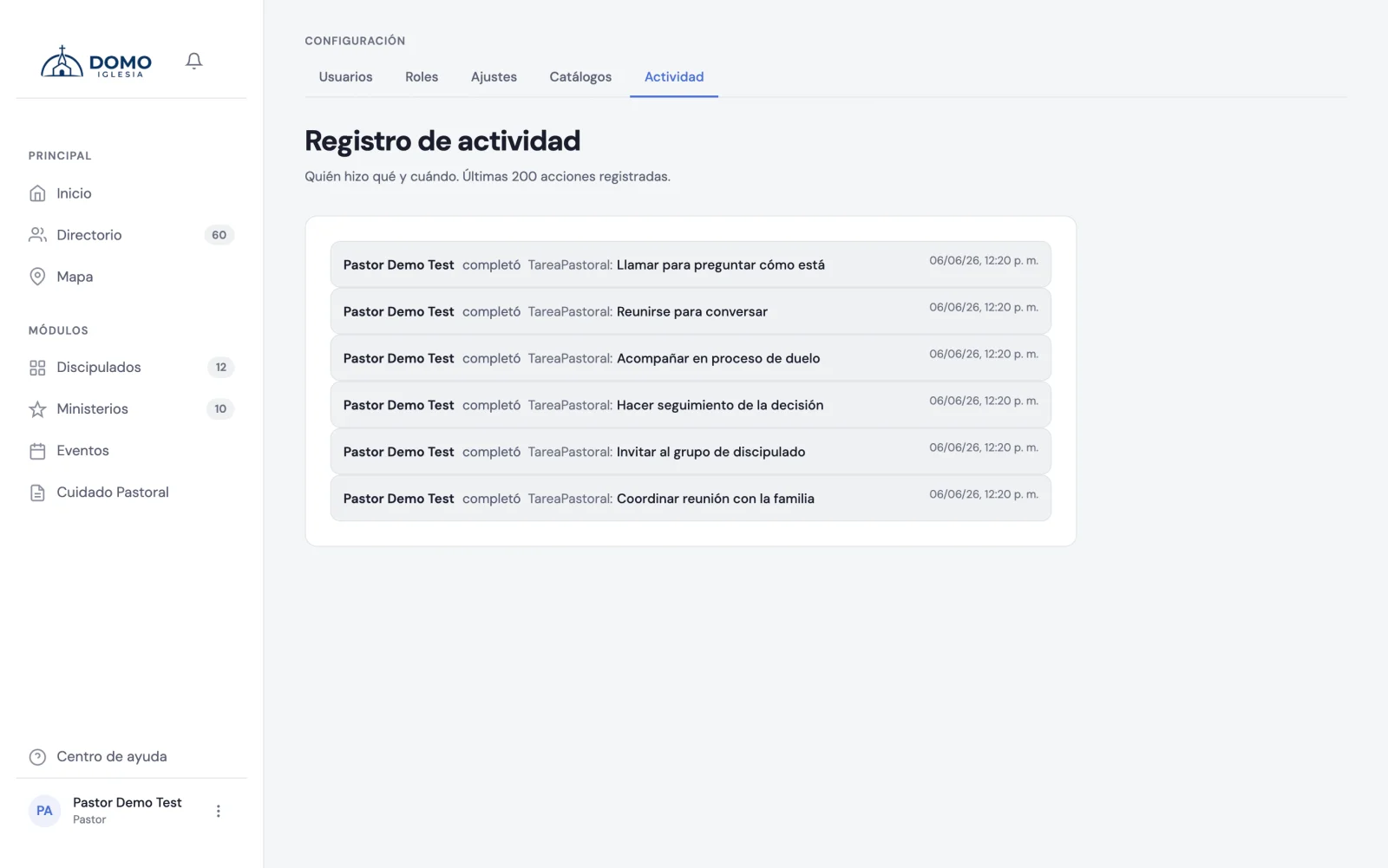
The Activity log is your church's logbook in Domo: it shows the important actions your team took, for transparency and order.
How to get there
Click your name (bottom left) and choose Activity log.
What it shows
Each entry tells you:
- Who did the action.
- What they did (created, edited or deleted).
- On what (a person, a group, a role…).
- When it happened.
- And, when it applies, what changed (from one value to another).
What it's for
- Clear up doubts — "who changed this person's stage?".
- Build trust — the team knows actions are logged.
- Protect what's sensitive — for example, there's a record of when someone downloaded a person's data.
It's a read-only screen: it can't be edited or deleted. It's there for you to check when you need it.